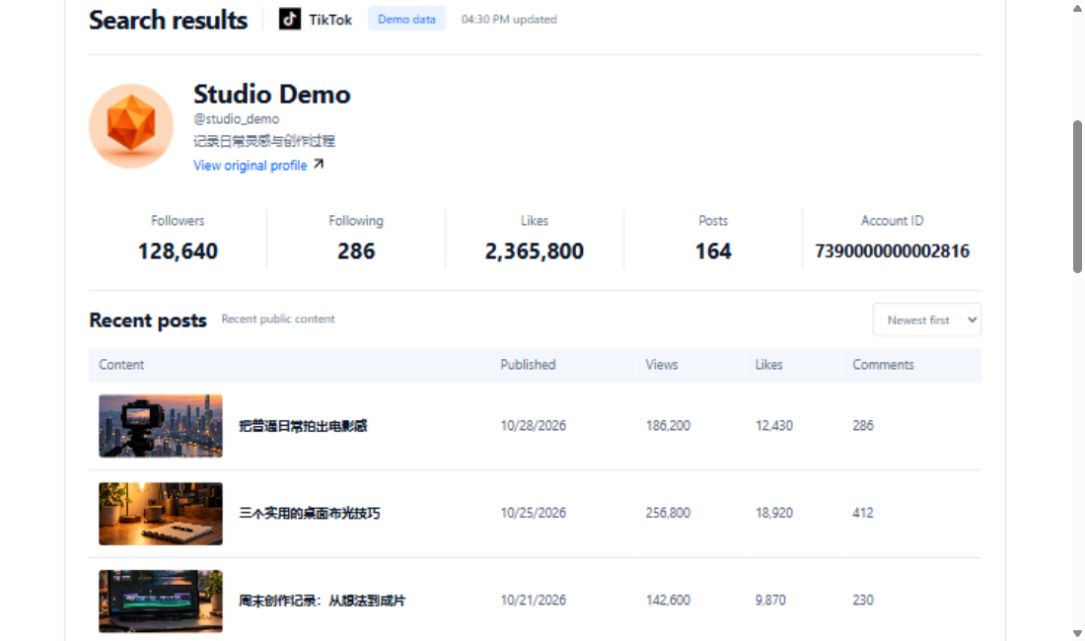
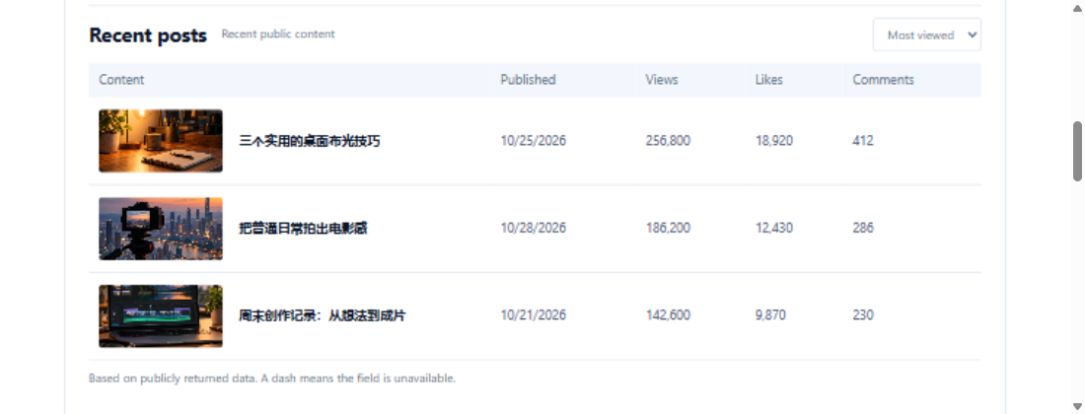
You are organizing activity clips from your TikTok account for an editor. The list shows covers and titles, but that does not mean the video files are ready. Keep the source, lookup result and file status separate.
Verify the account before listing posts
Use the documented account conditions, including sec_user_id or unique_id where applicable. A display name is not interchangeable with every identifier. Preserve region, sorting and max_cursor coverage, and confirm that initial results belong to the intended account.
Inspect each selected post by identifier
Use aweme_id for the single-video lookup and connect the response to its original link. The contract describes video data without guaranteeing identical media structure in every result or permanent address availability. If only a cover or description is available, record that accurately.
Track evidence for the processing state
Your register can include source, video ID, event segment, lookup time, available information type and file-processing state. Distinguish inspected details from usable information and work still pending. These are your management columns. AI may arrange descriptions but must not invent download addresses or local file paths.
Execute and verify saving separately
The bound lookups are not a one-click download, watermark-removal or editing-package service. If you later use an available saving process, inspect its output before marking completion. Record unavailable results instead of repeatedly calling until a success can be claimed. The handoff should clearly identify available material and gaps so an editor does not mistake an index for a complete file delivery.
Requests used in this project
- Get user homepage video data V1:https://api.trmesh.com/openapi/api/v1/tiktok/app/v3/fetch_user_post_videos · Documentation
- Get single video data:https://api.trmesh.com/openapi/api/v1/tiktok/app/v3/fetch_one_video · Documentation
Request URL and parameters
GET https://api.trmesh.com/openapi/api/v1/tiktok/app/v3/fetch_user_post_videos
| Parameter | Type | Required | Meaning |
|---|---|---|---|
sec_user_id |
string | No | User sec_user_id |
unique_id |
string | No | User unique_id |
max_cursor |
integer | No | Maximum cursor |
count |
integer | No | Number per page |
sort_type |
integer | No | Sort type |
region |
string | No | Optional region; defaults to US. A supplied code prioritizes data from that region, such as US, GB or FR. |
Run the Python example
Install requests and set TRMESH_API_TOKEN in your environment. Replace the sample identifiers with the public object you intend to inspect. Example IDs may no longer be available.
import os
import requests

# Read your own developer key from the server environment.
url = "https://api.trmesh.com/openapi/api/v1/tiktok/app/v3/fetch_user_post_videos"
params = {
    "sec_user_id": "MS4wLjABAAAAv7iSuuXDJGDvJkmH_vz1qkDZYo1apxgzaxdBSeIuPiM",
    "region": "US"
}
response = requests.get(
    url, params=params, timeout=30,
    headers={"Authorization": f"Bearer {os.environ['TRMESH_API_TOKEN']}"},
)
response.raise_for_status()
payload = response.json()
print(payload)  # Inspect the actual response before mapping fields
Endpoint documentation · Free profile tool
API calls use your TRMesh account allowance. Check the endpoint price before running a script.