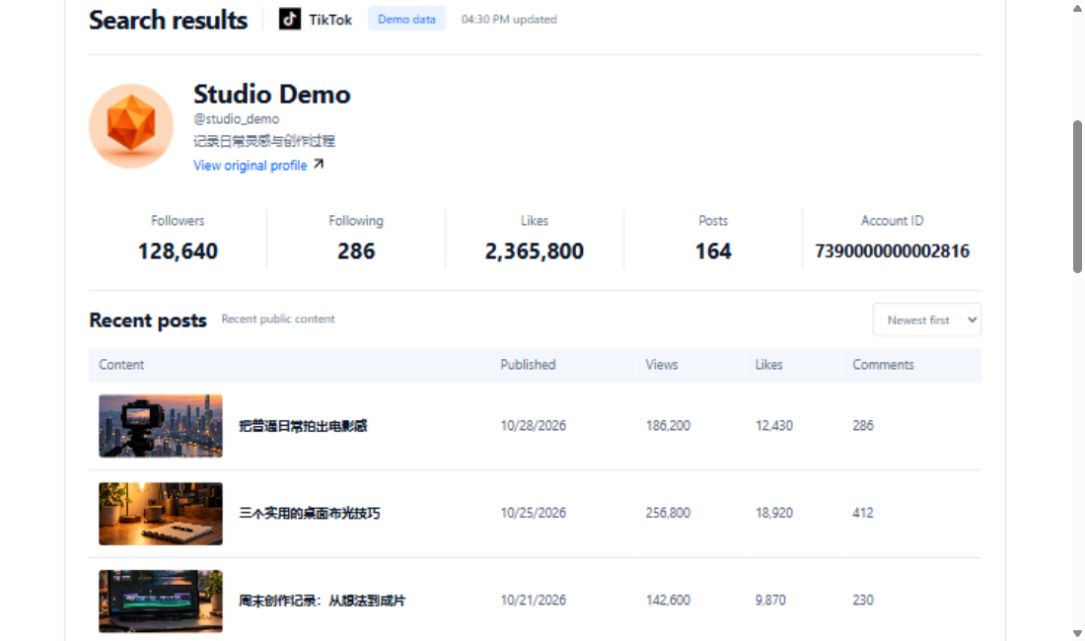
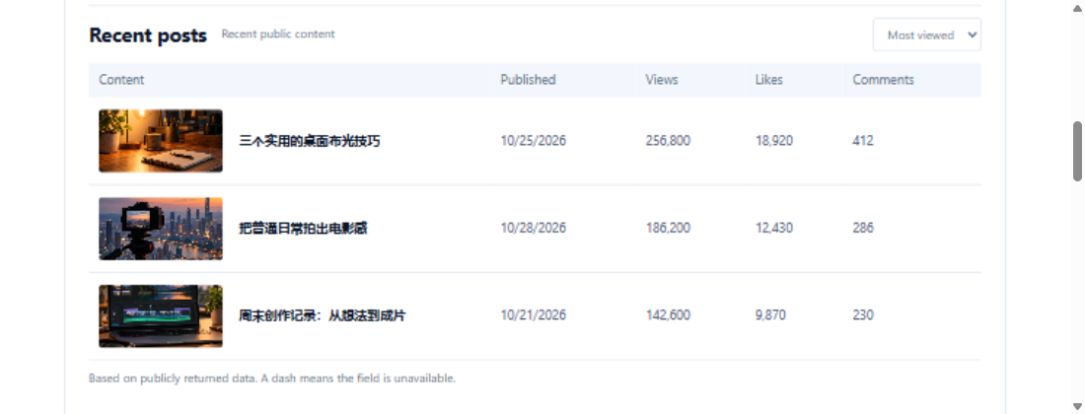
You want to film breakfast at a campsite. The scenery is planned, but the useful lesson is less clear. Searching only for camping may produce attractive landscapes rather than answers about cooking without a kitchen.
Search for three cooking problems
Choose low smoke, fewer utensils and easy cleaning as separate questions. Prepare one phrase for each in your intended audience's language. Retrieve one search page per phrase and keep the region, sorting and publication settings. Mixing different conditions without recording them makes the eventual comparison difficult to explain.
Separate demonstrations from attractive results
Review relevant videos and use the detail lookup where it helps recover available information. A finished breakfast can be a visual reference, but it is not necessarily a cooking demonstration. In your own notes, record the utensils used, the problem addressed and the step still missing. These are viewing observations, not automatic recognition fields supplied by the API.
Turn references into preparation decisions
A filming worksheet can include source link, search conditions, reference purpose, required materials and a question to test. For example, a cleaning segment might require checking whether a pan can actually be wiped clean after use. If an AI tool groups your notes, require source identifiers and unanswered questions rather than invented cooking results.
Test the meal before teaching it
Similar dishes may use different stoves, portions or ingredients. Test the method that fits your own equipment before deciding the filming sequence. Search results are not a platform-wide trend measurement, and this workflow does not automatically produce a publishable video. Finish with a few useful questions and a practical trial list, leaving untested claims clearly unresolved.
Requests used in this project
- Get video search results of specified keywords:https://api.trmesh.com/openapi/api/v1/tiktok/app/v3/fetch_video_search_result · Documentation
- Get single video data:https://api.trmesh.com/openapi/api/v1/tiktok/app/v3/fetch_one_video · Documentation
Request URL and parameters
GET https://api.trmesh.com/openapi/api/v1/tiktok/app/v3/fetch_video_search_result
| Parameter | Type | Required | Meaning |
|---|---|---|---|
keyword |
string | Yes | Keyword |
offset |
integer | No | Offset |
count |
integer | No | Number |
sort_type |
integer | No | Sort type |
publish_time |
integer | No | Publish time |
region |
string | No | Region |
Run the Python example
Install requests and set TRMESH_API_TOKEN in your environment. Replace the sample identifiers with the public object you intend to inspect. Example IDs may no longer be available.
import os
import requests

# Read your own developer key from the server environment.
url = "https://api.trmesh.com/openapi/api/v1/tiktok/app/v3/fetch_video_search_result"
params = {
    "keyword": "中华娘",
    "offset": "0",
    "count": "20",
    "sort_type": "0",
    "publish_time": "0",
    "region": "US"
}
response = requests.get(
    url, params=params, timeout=30,
    headers={"Authorization": f"Bearer {os.environ['TRMESH_API_TOKEN']}"},
)
response.raise_for_status()
payload = response.json()
print(payload)  # Inspect the actual response before mapping fields
Endpoint documentation · Free profile tool
API calls use your TRMesh account allowance. Check the endpoint price before running a script.