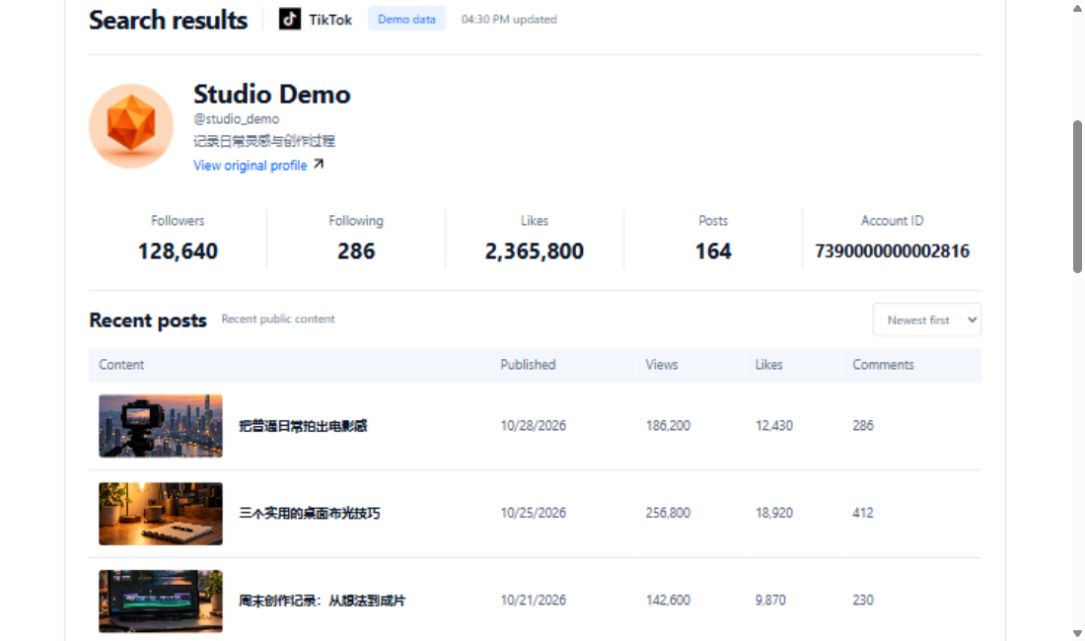
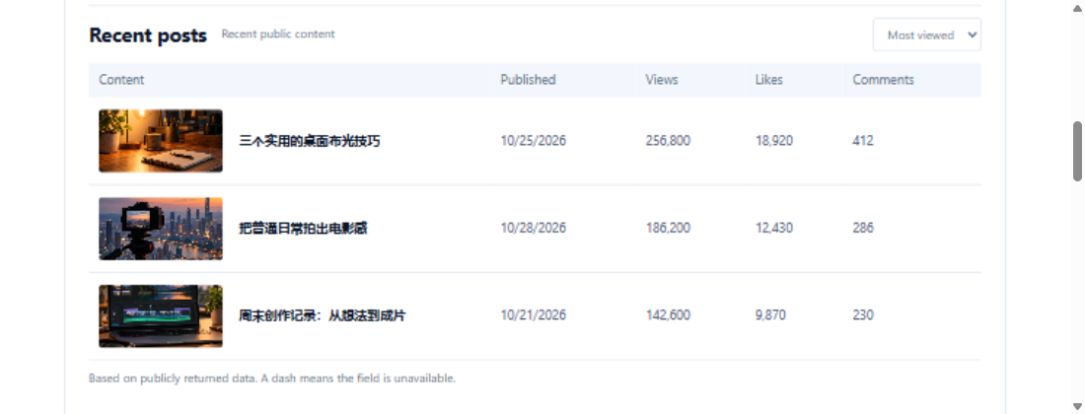
You do not need to start with the oldest video
A teaching account may contain a large body of work. Use secUid to inspect its playlists and see how the creator organises topics. Choose a goal, such as indoor photography, before deciding which group to explore. Playlist names offer navigation clues; they are not a complete curriculum or a promise about learning outcomes.
Distinguish a playlist entry from its contents
Use cursor and count to continue reading the playlist collection. Do not count returned playlists as videos already watched or assume one group includes every relevant work on the account. Open interesting groups and check their actual subject coverage and prerequisites. Material you have not inspected should remain unknown rather than becoming invented chapters in a polished-looking course plan.
Draw a personal learning route
If a hypothetical account has lighting and editing groups, your notes might propose studying natural light before attempting simple cuts, with sources attached to each. That order is your learning decision, not an automatic recommendation from the lookup. Record when you checked the organisation and revise it when the creator changes the material. The useful outcome is knowing where to begin next, not equating playlist count with course size or marking unopened groups as completed learning.
Request URL and parameters
GET https://api.trmesh.com/openapi/api/v1/tiktok/web/fetch_user_play_list
| Parameter | Type | Required | Meaning |
|---|---|---|---|
secUid |
string | Yes | User secUid |
cursor |
integer | No | Page cursor |
count |
integer | No | Number per page |
Run the Python example
Install requests and set TRMESH_API_TOKEN in your environment. Replace the sample identifiers with the public object you intend to inspect. Example IDs may no longer be available.
import os
import requests

# Read your own developer key from the server environment.
url = "https://api.trmesh.com/openapi/api/v1/tiktok/web/fetch_user_play_list"
params = {
    "secUid": "MS4wLjABAAAAv7iSuuXDJGDvJkmH_vz1qkDZYo1apxgzaxdBSeIuPiM"
}
response = requests.get(
    url, params=params, timeout=30,
    headers={"Authorization": f"Bearer {os.environ['TRMESH_API_TOKEN']}"},
)
response.raise_for_status()
payload = response.json()
print(payload)  # Inspect the actual response before mapping fields
Endpoint documentation · Free profile tool
API calls use your TRMesh account allowance. Check the endpoint price before running a script.