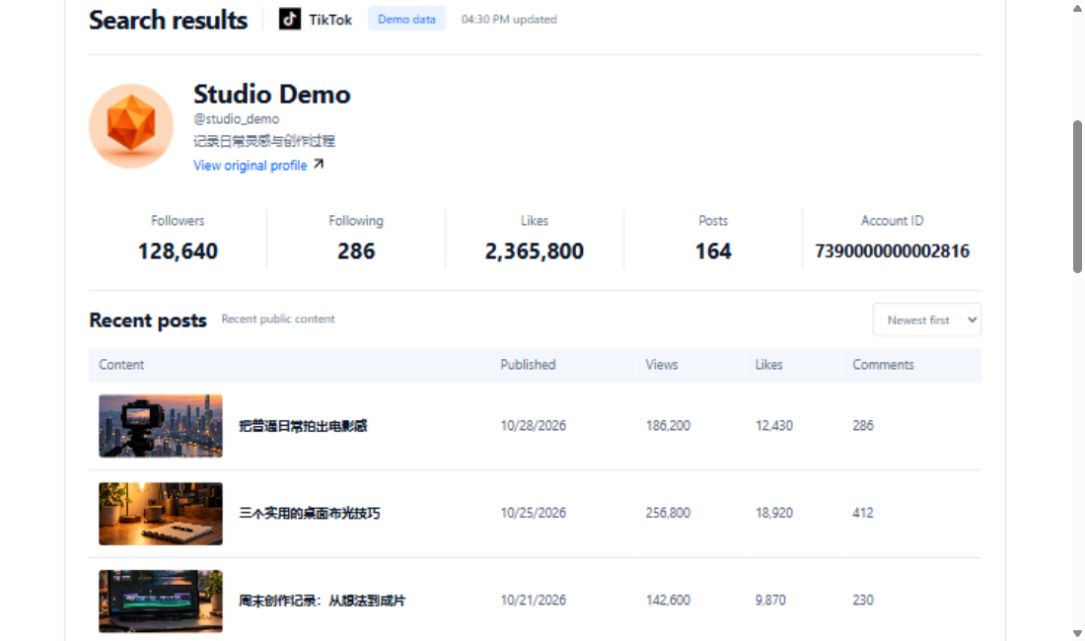
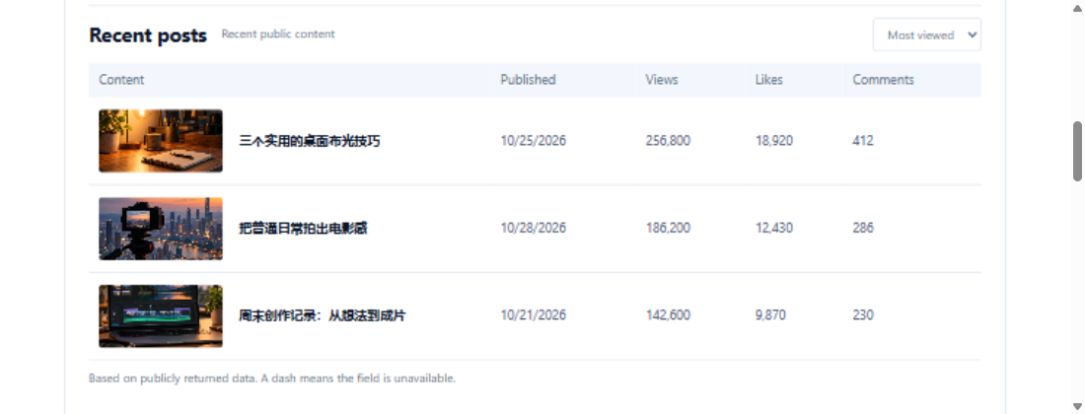
You saved a paper-folding tutorial for a craft project. Two weeks later, the chat link remains, but you cannot remember which fold made it useful. A small reference card can preserve that decision before the video disappears into a larger collection.
Match the ID to the folding tutorial
Open the original post and check that the creator and visual example match the reference you intended to save. This endpoint takes itemId, not a username or an entire sharing message. Store the ID as text so a spreadsheet cannot round a long number. Keep the original link beside it, followed by a personal note such as “reference for showing the final fold.”
Keep the region attached to the observation
The optional region parameter defaults to US. Choose the setting for your actual research purpose and record it. Use the same setting when revisiting the card, rather than merging results from different regions without explanation. Make one request first and inspect the returned object before processing other references.
Separate returned information from viewing notes
The contract describes video data without guaranteeing a detailed list of nested business fields. Copy only information present in your response. Mark missing information as unavailable in this lookup. Your own columns might include source link, lookup date, region, useful demonstration and unresolved step. Those are worksheet headings, not promised API fields.
Revisit the source before using the technique
Retain the earlier lookup date when adding a later observation. A failed lookup alone does not establish that the creator deleted the post. Watch the folding sequence again before teaching it: this request does not download the video, recognize the movements or generate a verified script. The useful outcome is a traceable reference card with a clear reason to revisit the original.
Request URL and parameters
GET https://api.trmesh.com/openapi/api/v1/tiktok/web/fetch_post_detail
| Parameter | Type | Required | Meaning |
|---|---|---|---|
itemId |
string | Yes | Video id |
region |
string | No | Region code, optional; affects content region, e.g. US/GB/JP/ID, default US. |
Run the Python example
Install requests and set TRMESH_API_TOKEN in your environment. Replace the sample identifiers with the public object you intend to inspect. Example IDs may no longer be available.
import os
import requests

# Read your own developer key from the server environment.
url = "https://api.trmesh.com/openapi/api/v1/tiktok/web/fetch_post_detail"
params = {
    "itemId": "7339393672959757570"
}
response = requests.get(
    url, params=params, timeout=30,
    headers={"Authorization": f"Bearer {os.environ['TRMESH_API_TOKEN']}"},
)
response.raise_for_status()
payload = response.json()
print(payload)  # Inspect the actual response before mapping fields
Endpoint documentation · Free profile tool
API calls use your TRMesh account allowance. Check the endpoint price before running a script.