Make the visual question searchable
For a small living room, combine the object and desired style in keyword. Image search provides visual references; it does not measure true colours or determine whether a photograph was edited. Decide whether you are studying wall-and-furniture relationships or material combinations before collecting attractive but unrelated pictures.
Preserve the identifiers for continued reading
page starts at one. For later pages, retain search_id, search_session_id, and word_request_id from the first results. Do not carry an old search session into a new keyword collection. Revisit each image’s source and consider lighting, setting, and camera angle. Similar colours can look very different under different illumination, so search images cannot replace physical material samples.
Turn inspiration into a testable choice
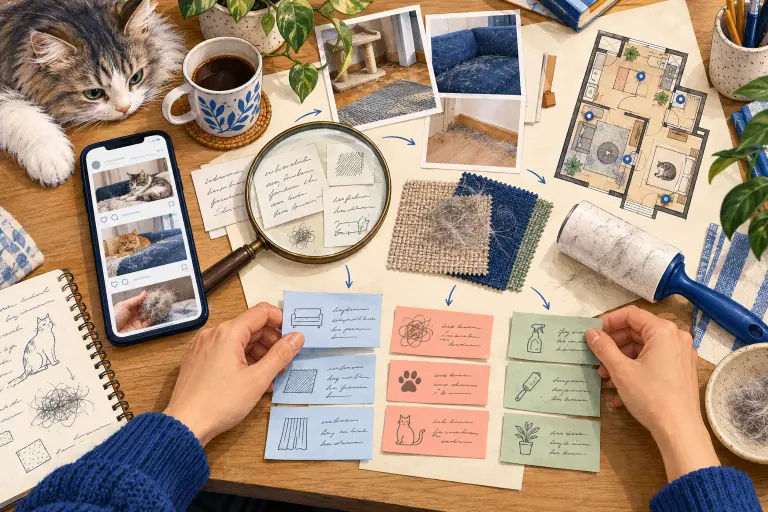
Your notes might contain the source, observed colour relationship, material you want to try, and conditions to inspect on site. A hypothetical warm-wood and grey-wall combination can be tested with samples in your own room before buying larger items. These are manual design observations, not automatic colour analysis. Preserve attribution and confirm permission for any use of the pictures. The finished board should guide your own choices and checks rather than become an assumed library of commercially reusable assets.
Request URL and parameters
GET https://api.trmesh.com/openapi/api/v1/xiaohongshu/app_v2/search_images
| Parameter | Type | Required | Meaning |
|---|---|---|---|
keyword |
string | Yes | Search keyword |
page |
integer | No | Page number, start from 1 |
search_id |
string | No | Search ID for pagination |
search_session_id |
string | No | Search session ID for pagination |
word_request_id |
string | No | Word request ID for pagination |
source |
string | No | Source |
Run the Python example
Install requests and set TRMESH_API_TOKEN in your environment. Replace the sample identifiers with the public object you intend to inspect. Example IDs may no longer be available.
import os
import requests

# Read your own developer key from the server environment.
url = "https://api.trmesh.com/openapi/api/v1/xiaohongshu/app_v2/search_images"
params = {
    "keyword": "壁纸",
    "page": "1",
    "source": "explore_feed"
}
response = requests.get(
    url, params=params, timeout=30,
    headers={"Authorization": f"Bearer {os.environ['TRMESH_API_TOKEN']}"},
)
response.raise_for_status()
payload = response.json()
print(payload)  # Inspect the actual response before mapping fields
Endpoint documentation · Free profile tool
API calls use your TRMesh account allowance. Check the endpoint price before running a script.